Build by moving things around.
Drag blocks onto the canvas, reorder sections and edit text in place. Layers, undo and redo help you keep control.
 WebBuilderby Arjunren
Turn the work you’re proud of into a website that feels like you.
Drag, style and export with WebBuilder AV. Your projects stay on your device.
v1.1.1: unsigned Windows installer · Android debug APK. Read release notes ↗
Meet your new workflow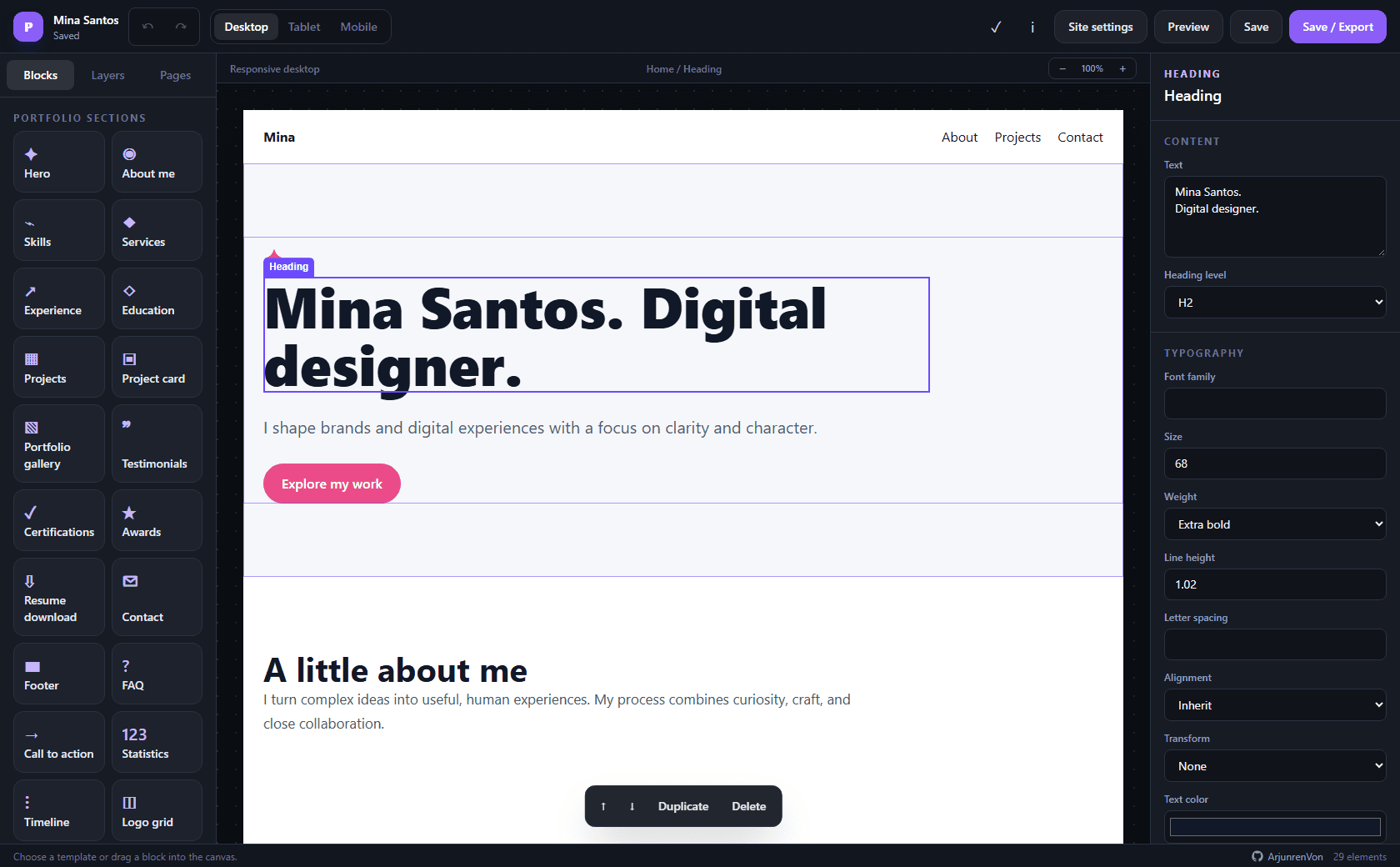
A visual workspace for making, refining and keeping your own portfolio.
Drag blocks onto the canvas, reorder sections and edit text in place. Layers, undo and redo help you keep control.
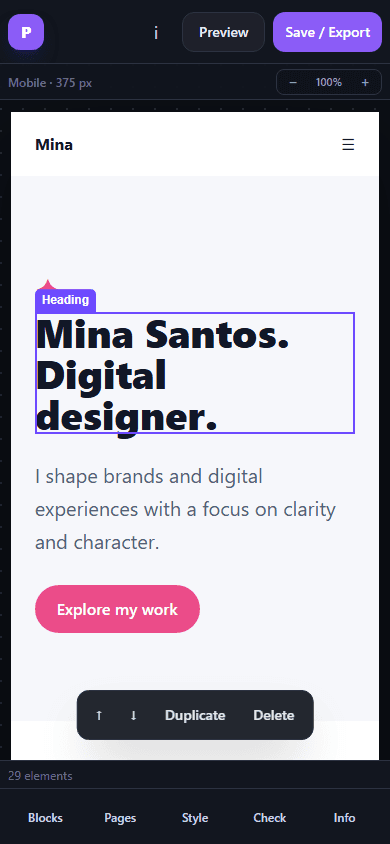
Switch between desktop, tablet and mobile views. Adjust content and styles for each breakpoint in the visual inspector.
Create independent pages for your work, story and contact details. Each page becomes its own HTML file on export.
Save locally, keep portable JSON backups and import them again. Installed apps store editable projects on your device.
Choose from eight starter templates or a blank canvas. Add your words, images, project cards, links and personality.
Export responsive static HTML with embedded images. Your exported portfolio needs no Node.js runtime or editor to be viewed.
Edit on your Windows PC, on Android, or in the localhost browser editor. Your project isn’t tied to a hosted editing account.
Keep a backup before clearing app or browser data. A contact form needs a trusted form endpoint to deliver email.
Choose a template that suits your work, or begin with a blank canvas.
Drag blocks into place. Add your content, style it and organize your pages.
Preview the generated site, review common accessibility issues and adjust your layouts.
Save your editable backup, export your HTML files and follow the hosting guide.
These buttons follow the newest published GitHub release, including previews. Release notes and checksums are one click away.
A dedicated desktop workspace for your portfolio, with native save dialogs and local project storage.
Download Windows installer EXE installer · WebView2 required.A phone-friendly editor with tools for blocks, pages, styles and checks in a compact bottom dock.
Download Android APK APK for direct installation · ARM64 and x86_64.Run the original localhost editor with Node.js 20+ and npm 10+. Exported websites need neither.
This is the app’s product website. Download the Windows or Android app, or follow the original repository’s local setup guide to run the browser editor on your own computer.
No account, hosted database or internet connection is required for local editing. You need a connection to download the app, open external services or publish your exported site.
You get index.html and a separate HTML file for each additional page, with embedded images. The exported website does not include the editor and needs no Node.js runtime. Keep a JSON project backup so you can edit it again.
The localhost editor saves projects on your computer. Installed apps save editable projects in device-local IndexedDB. Clearing app or browser data, or uninstalling an app, may remove local projects. Keep portable backups.
Static HTML cannot securely deliver email by itself. Connect the Contact Form block to a trusted HTTPS form endpoint and review that provider’s privacy and spam controls.
The Windows installer is unsigned and may show an Unknown publisher or SmartScreen prompt. The Android APK is debug-signed for direct installation and testing. Review GitHub release notes and SHA256SUMS.txt before installing.